







 We use cookies
We enable all cookies by default to ensure the proper functioning of our website, advertising and analytics in accordance with our Cookie Policy and Privacy Policy.
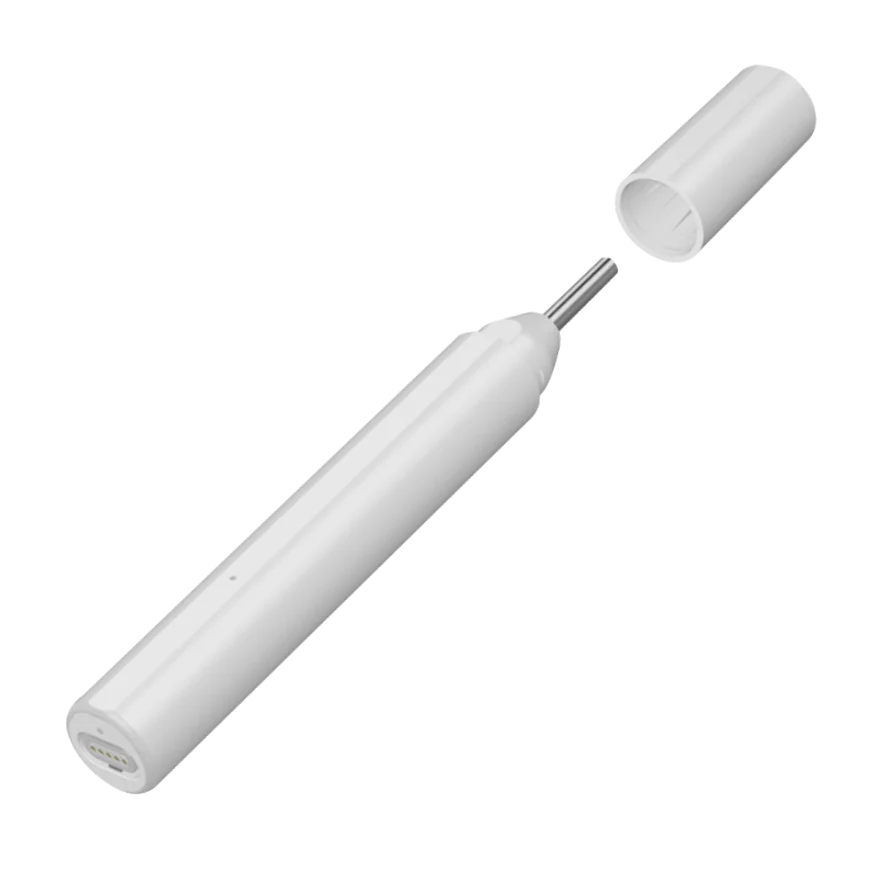


Video otoscopes allow you to quickly and easily examine the condition of the ear, throat, and nose by transmitting images in real time directly to the REMED.CARE mobile application.
It is a personal assistant for both independent use and a useful tool for online consultations with a doctor, allowing you to conduct online video examinations of the ear, throat, and nose without leaving your home or while traveling.
Video otoscopes allow you to quickly and easily examine the condition of the ear, throat, and nose by transmitting images in real time directly to the REMED.CARE mobile application
It is a personal assistant for both independent use and a useful tool for online consultations with a doctor, allowing you to conduct online video examinations of the ear, throat, and nose.
The REMED digital otoscope is a telemedicine device equipped with an HD camera, cold and shadowless LED lighting, and the intelligent REMED.CARE visual application, which allows you to receive a video stream directly in the application or during a consultation with a doctor.
Ви можете підключити пристрій до застосунку REMED.CARE, робити вимірювання та ділитися ними зі своїм лікарем. Дотримуйтеся наступних кроків:
Розпакуйте пристрій та зарядьте його: підключіть пристрій до зарядного пристрою за допомогою USB-кабелю.
Зніміть ковпачок: обов’язково зніміть захисний ковпачок перед підключенням пристрою.
Вставте кабель: під’єднайте кабель до отоскопа через роз’єм Type-C (Android) або Lightning (iPhone).
Підключіть пристрій до телефону або планшета: використовуйте кабель Type-C (Android), Lightning (iPhone) або адаптер Lightning через Type-C (для iPhone 15+).
Запит на довіру: якщо з’явиться системне повідомлення «Довіряти цьому пристрою?», натисніть Так.
Підключення пристрою: цей процес може зайняти 5–30 секунд.
Трансляція відео: ваш пристрій транслюватиме відео на смартфон. Якщо зображення відображається правильно, натисніть кнопку «Додати пристрій».
Пристрій додано: після успішного додавання натисніть кнопку, щоб перейти до розділу «Мої пристрої».
Виберіть пристрій «Linktop Otoscope».
Натисніть кнопку «Зробити вимірювання».
Перевірте заряд батареї: переконайтеся, що пристрій має достатньо заряду.
Зніміть ковпачок: зніміть захисний ковпачок із пристрою та закріпіть його на камері пристрою.
Вставте кабель: під’єднайте кабель до отоскопа через роз’єм Type-C (Android) або Lightning (iPhone).
Підключіть пристрій: використовуйте кабель Type-C (Android), Lightning (iPhone) або адаптер Lightning через Type-C (для iPhone 15+).
Розмістіть телефон на підставці: для зручності рекомендується встановити телефон на підставку.
Зробіть фото: почніть огляд за допомогою пристрою та зробіть фотографії потрібних ділянок.
Дані успішно передані: результати вимірювань успішно передані у застосунок REMED.CARE.
Детальні інструкції та технічні характеристики доступні за посиланням нижче.
Download our app and take a step toward a healthier life!

Quick access to qualified doctors

Convenience and comfort of medical consultations

Saving time and money for patients

Continuous medical support